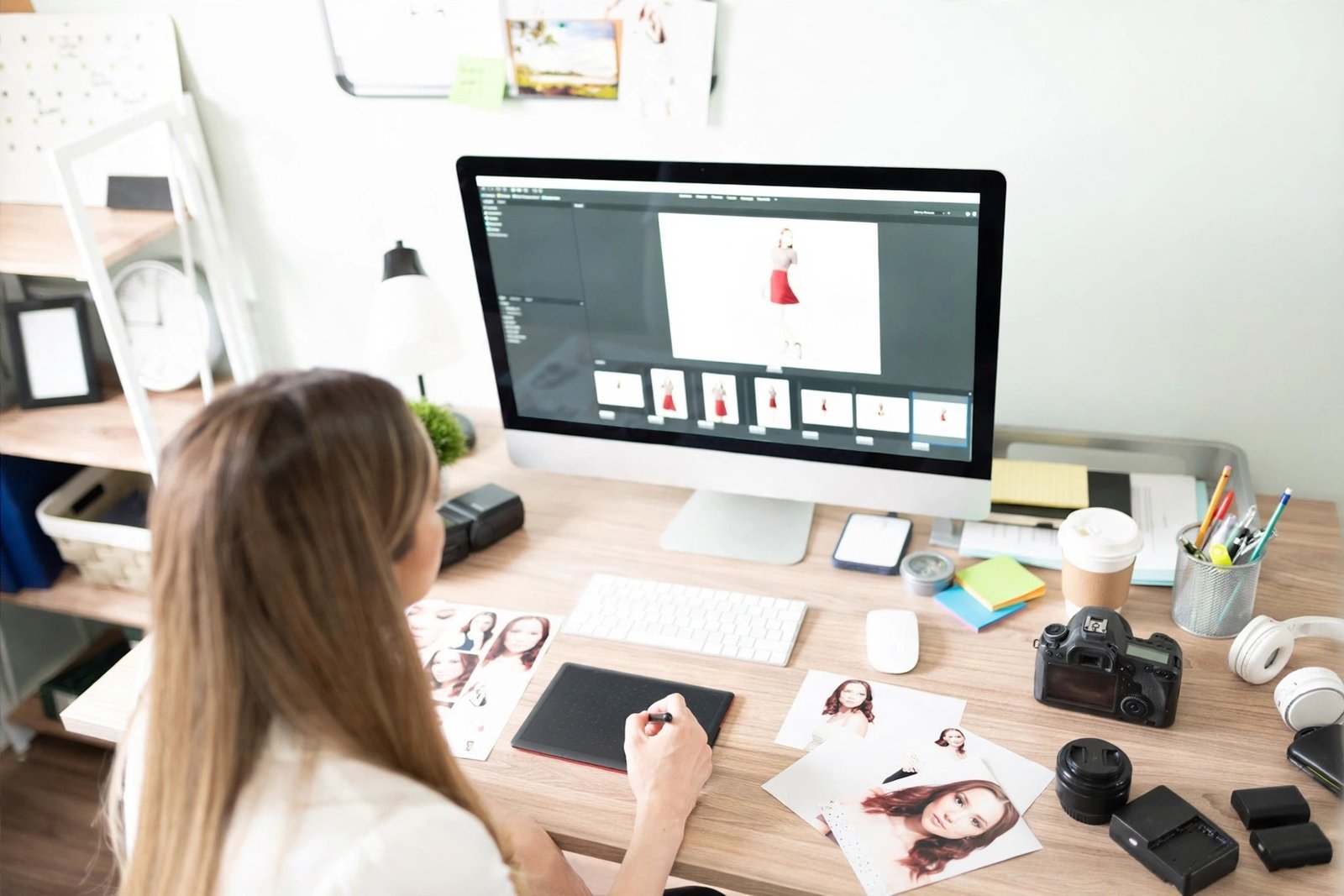
I paid for Photoshop for 8 months. $21.99 every month. For what? To remove like 3 backgrounds a week. My bank account was crying. So I stopped. Cold turkey.
And guess what? No one noticed. My work still looked the same.
So if you are broke, a student, or just sick of subscriptions, I get you. I was you. That’s why I wrote this. No fake list. Only stuff that actually works. If you are looking for free alternatives to Photoshop, this is the real one. I also keep a list of all the free tools I use to manage my work.
1. Honestly, Do You Even Need Photoshop?
Ask yourself. Be honest.
I thought I needed it too. Because everyone says, “Photoshop is the industry standard”. Yeah, okay. But what do you do? I opened my history. 90% of my work was: crop, remove background, add text, fix light. That’s it. Basic stuff.
And Photoshop is a monster. My old Dell? It would start breathing heavily when I opened it. Fan goes brrr. Takes 3 minutes to open. And if you stop paying? Locked. Your files are hostage.
You don’t need that stress. You really don’t. You can do the same work for free. Nobody cares what you used. They care if the picture looks good. That’s when I seriously started searching for free alternatives to Photoshop.
2. Photopea – My Laptop’s Savior
Okay, so picture this. It’s 2 AM. Client needs a PSD edited. My Photoshop expired that day. I’m panicking.
I Googled “edit PSD online” and found Photopea. And my life changed.
Man, this thing looks EXACTLY like Photoshop. No joke. Same tools on the left. Same layers on the right. Even Ctrl + J works. I thought I was on Photoshop. I had to double-check the tab.
You just open photopea.com and boom. No install. Nothing. Works on my cheap laptop, works on my friend’s Chromebook. It opens PSD, AI, XD, even Sketch files. Masks, smart objects, layer styles, everything works.
I edit all my PSD templates there now.
Best for who? If you know Photoshop already, you’ll feel at home in 2 minutes.
Cons? One small ad on the side. That’s it. I can live with that.
3. GIMP – Ugly But a Beast
GIMP. Oh man. My first impression? Ugh. What is this 1990s interface?
I uninstalled it the same day. First time. Then a YouTuber said, “Give it 2 days”. So I did.
And he was right. This thing is a tank. It’s ugly, yeah, but powerful as hell.
It’s offline. You download it once. No internet needed. I used it on a train with no wifi. It has a healing brush, clone tool, layers, filters, everything. You can even install Photoshop brushes. I did. Works fine.
It’s a proper member of the free alternatives to Photoshop. Not a toy. Real pros use it. I saw a guy on Reddit doing full movie poster retouching in GIMP. Insane work.
My tip? After installing, go to Windows > Single-Window Mode. It will look 10x better. Instantly.
Best for? People who want one tool, installed, forever. No subscriptions. No browser needed.
4. Canva – I’m Not Even Kidding, It’s Faster
Look, I know. Canva is not Photoshop. My designer friends will hate me for saying this.
But… Canva is faster. Way faster.
Photoshop me thumbnail banane me mujhe 40 min lagte the. Canva me? 5 minutes. Drag. Drop. Done.
If you make Instagram posts, YouTube thumbnails, resumes, presentations, Canva kills Photoshop. It has templates. Like, thousands. You don’t start from zero.
And now it has background remover and that magic eraser thing. The free version does a lot. I still use Canva for 70% of my quick work even though I know Photoshop.
So yeah, it’s not a clone. But do you need a clone? Or do you need to get work DONE?
Best for? Beginners, content creators, anyone who hates complicated software.
5. Krita – For People Who Actually Draw
I don’t draw much. My drawing looks like a 5-year-old’s. But my cousin does. She is an illustrator.
She told me about Krita. I installed it for her.
She was quiet for like an hour. Then she screamed, “The brushes are so real!”
Apparently Krita’s brushes are god-level. Photoshop brushes feel fake after this, she said. They’re made by artists. So they actually get it. It’s free, light, and made for drawing, painting, comics, and manga.
It can edit photos a bit, but that’s not its job. Its job is art.
So if you draw, even a little, get Krita. If you are looking for free alternatives to Photoshop just for photo editing, skip this one. But for artists? This is it.
6. Two More That Nobody Talks About
Okay, two secret ones. Most blogs won’t tell you. Because they just copy each other’s list.
Pixlr E – This is my backup. When Photopea feels heavy, or my net is slow, I open Pixlr. It’s super light. Opens in 3 seconds. Like, literally. And it has that AI cutout that removes the background in one click. Super handy.
Darktable – This one is for my photographer friends. It’s not Photoshop. It’s Lightroom. Free Lightroom. If you shoot RAW photos with a camera, you need this. The colors you can get? Crazy. Moody, cinematic, warm. I don’t shoot RAW, but I kept it because it’s that good.
These two are underrated. Try them.
7. Okay, So Which One Should YOU Download?
Don’t be like me. I downloaded all 5 at once and got confused. My desktop was a mess.
Just pick ONE. Based on your work.
My broken-down list, super simple:
You love Photoshop’s look, and you have PSD files? Use Photopea. You will love it.
You want a powerful thing on your PC that works without internet? Use GIMP. It’s for life.
You make posts, thumbnails, quick designs? Use Canva. You’ll be 10x faster.
You draw or paint? Krita. No second thought.
That’s it. Stop overthinking. I spent years searching for the perfect free alternatives to Photoshop. And honestly, the perfect one is the one you actually use.
I still remember I made $300 from a logo I made in GIMP. The client thought it was Photoshop. No one asks. No one cares. They just want good work.
So pick one tool. Today. Edit one photo. Just one. You will see you don’t need to pay Adobe $20 every month. I haven’t paid in 2 years, and I’m doing fine.
And if you find another good one that is actually free and works, DM me. I’m always testing new free alternatives to Photoshop. I will add it to my list.
FAQ
Which free alternative is exactly like Photoshop?
Photopea. Same look, same tools, same shortcuts. Opens PSD files perfectly.
Is GIMP good for beginners?
The first day it’s confusing. After 2 days, it feels easy. Best free offline tool once you learn it.
Can I use these for client work?
Yes. I did. No watermark; no one knows what tool you used. The result matters only.
Which one is best for YouTube thumbnails and Instagram posts?
Canva. It’s 10x faster than Photoshop for social media designs.