Trello vs Asana: Let’s Keep It Simple
Honestly, picking a project tool should not feel like a big exam.
You just want something that helps you get work done. Not something that makes you watch 10 YouTube videos first.
Think about it: You have tasks. You have a team. You have deadlines. You need one place where everything lives.
That’s it.
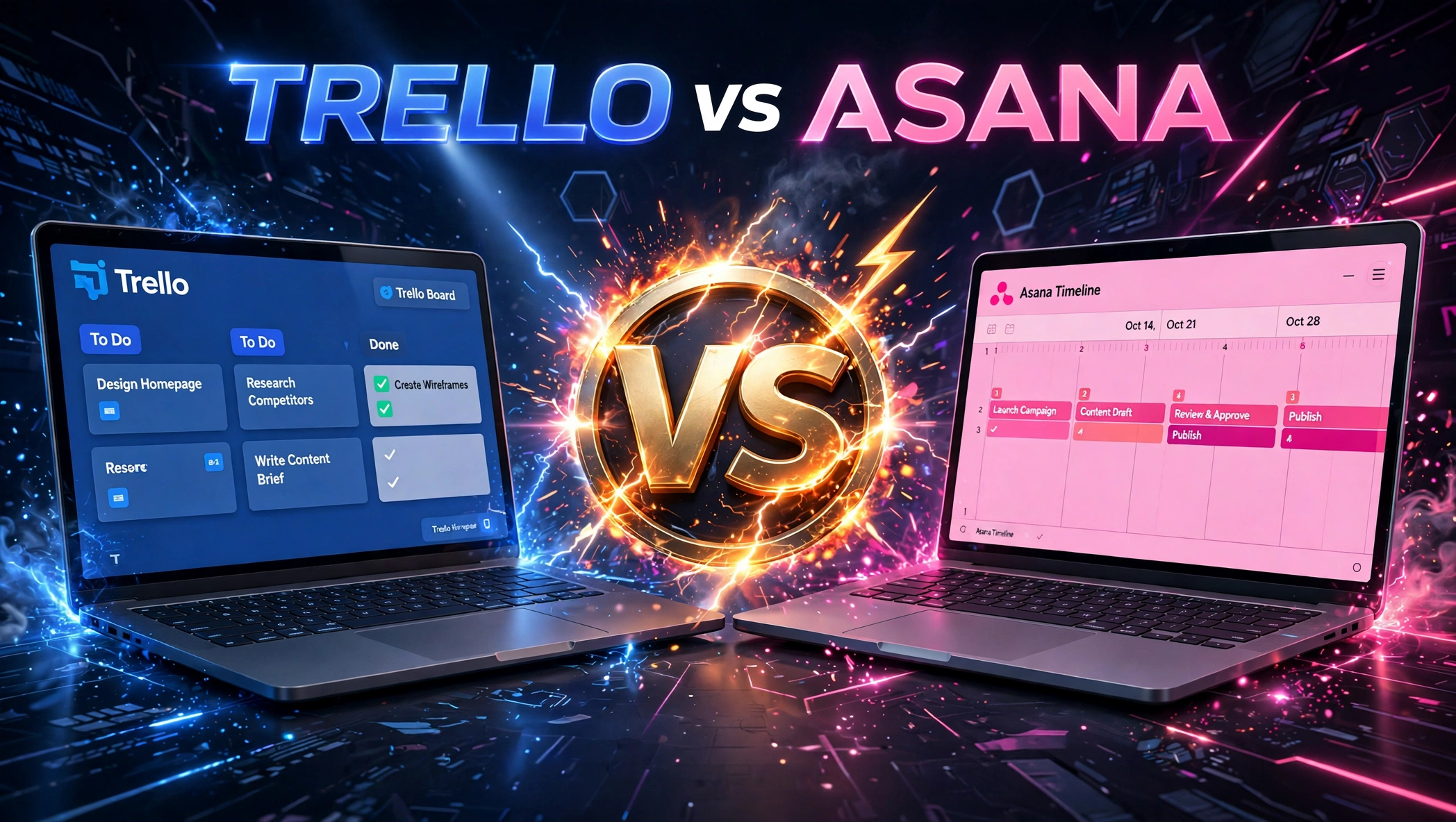
The thing is, in Trello vs Asana, both do that job. But they do it in very different ways. One feels like sticky notes on a wall. The other feels like a proper office manager.
Let’s be real, most people get confused here. They pick the wrong tool, hate it after a week, and then switch again. I don’t want that for you.
So let’s break it down in simple words. No fancy tech talk. Just real talk.
So What Is Trello Really?
Trello is simple. Really simple.
Imagine a whiteboard. You have columns like To Do, Doing, Done. You have cards for each task. You just drag a card from left to right when you finish it.
That’s Trello.
It’s clean. It’s colorful. It’s fun to use. Even your non-tech friend will get it in 2 minutes.
Trello is best for:
- Small to-do lists
- Content calendars
- Simple client work
- Personal planning
- Quick team tasks
If you like seeing everything at a glance, you will love Trello. No clutter. No extra buttons screaming at you.
But here is the catch. When your project gets big, Trello can feel a bit too simple. Like you need more power, but it’s not there.
And What About Asana?
Asana is the serious one.
It still has boards, but it also has lists, timelines, calendars, goals, reports, and a lot more. It’s built for teams who have 50 tasks going on at the same time.
Asana is best for:
- Big marketing campaigns
- Product launches
- Agencies with many clients
- Teams who need reports
- Work with lots of deadlines
If Trello is a sticky note wall, Asana is a full office with files, folders, and a manager.
The thing is, Asana can feel a bit heavy at first. So many options. So many menus. You might think, “Bro, I just wanted to add one task.”
But once you learn it, it saves you a lot of time.
Trello vs Asana: The Look and Feel
Let’s talk about looks. Because looks matter.
Trello looks friendly. Big cards. Bright colors. You can add your own background image. It feels light.
Asana looks professional. Clean lines. More text. More details. It feels like work. In a good way.
Think about it: If you open Trello in the morning, you smile. If you open Asana in the morning, you feel focused.
Neither is bad. It just depends on your vibe.
Do you want fun and fast? Go Trello.
Do you want structured and detailed? Go Asana.
Who Wins on Ease of Use?
Trello wins here. Hands down.
You can sign up, make a board, and add your first task in like 3 minutes. Done.
Asana takes longer. You need to set up projects, assign people, pick views, and learn where everything is. Not hard, but it takes a day or two.
Honestly, if your team hates learning new software, Trello will save you a lot of headaches. People actually use it because it doesn’t scare them.
Asana is for teams who don’t mind spending a little time to learn. They want power later.
Short answer: Trello = easy. Asana = powerful but needs learning.
Trello vs Asana: Features That Actually Matter
Let’s be real, most features listed on websites are useless. You will never use 80% of them.
Here is what you will actually use:
In Trello, you get:
- Boards, lists, and cards
- Drag and drop
- Checklists inside cards
- Labels and due dates
- Power-Ups for extra tools
- Simple automation called Butler
In Asana, you get:
- List, Board, Timeline, and Calendar views
- Subtasks inside tasks
- Goals and project portfolios
- Custom fields
- Rules and automation
- Workload view to see who is busy
See the difference? Trello keeps it basic. Asana goes deep.
If you are also building something on the side, like a blog or a small business site, you might want to check these best free website builders. It helps you understand how tools work together.
For a small project, Trello’s features are more than enough. For a messy project with 10 people, Asana’s features will save your life.
Trello vs Asana Pricing: Let’s Talk Money
Nobody likes paying extra. So let’s keep this clear.
Trello has a free plan. It’s actually pretty good. You can make boards, invite people, and use basic Power-Ups. For many small teams, free is enough.
When you go paid, Trello is cheaper. You get more automation and better controls.
Asana also has a free plan. But it’s a bit limited. You get basic tasks and projects, but the cool stuff is locked.
Asana’s paid plans cost more. But you get a lot for that money. If you need timelines, reports, and goals, it’s worth it.
My rule is simple:
- Tight budget + small team = Trello free is perfect.
- Growing team + complex work = Asana paid makes sense.
Don’t pay for power you don’t need. Start free. Upgrade only when you feel stuck.
You can also check Trello’s official pricing page to compare the latest plans before you decide.
Trello vs Asana for Small Teams
If you have 2 to 5 people, Trello is usually the winner.
Why? Because you don’t need reports. You don’t need workload charts. You just need to know who is doing what.
A small team in Trello can run the whole week on one board. No confusion. Everyone sees the same thing.
In Asana, a small team might feel lost. Too many features for such a small job. Like using a big truck to buy milk.
But there is one exception. If your small team does client work with deadlines every day, Asana’s list view and calendar can help you stay on track.
Still, for most small teams, Trello feels lighter and faster.
For Big Teams and Messy Projects
Now flip it.
If you have 20 people, 5 projects, and deadlines everywhere, Trello will start to break. You will have too many boards. Too many cards. You will forget where things are.
That’s where Asana shines.
Asana lets you see all projects in one place. You can check who is overloaded. You can see if a project is late. You can make reports for your boss in one click.
Think about it: Big teams need structure. They need rules. They need proof of work. Asana gives you all that.
So if your work is messy and big, Asana is the safer pick.
You can read Asana’s official guide if you want to see how big teams set it up in real life.
My Honest Take
Okay, here is my honest take.
I have used both. I like both. But for different reasons.
If I am doing a solo project, a YouTube content plan, or a small client job, I open Trello. It takes 10 seconds. I feel calm.
If I am managing a big launch with designers, writers, and a client waiting, I open Asana. I need that control.
Let’s be real, there is no perfect tool. There is only the right tool for your work right now.
Start with this question: Is my work simple or messy?
Simple = Trello.
Messy = Asana.
And don’t stress too much. You can always switch later. Your work matters more than the tool.
Pick one in Trello vs Asana. Use it for 2 weeks. If it feels good, stick with it. If not, try the other one.
That’s it. Done.
FAQ
Which is better, Trello vs Asana for beginners?
Trello is better for beginners because it is super simple. You can learn it in minutes with drag and drop boards.
Is Trello free?
Yes, Trello has a good free plan for small teams. You can create boards and manage basic tasks without paying.
Is Asana good for big teams?
Yes, Asana is great for big teams. It has timelines, reports, workload view, and goals to manage complex projects.
Can I switch from Trello to Asana later?
Yes, you can switch anytime. Both tools let you export your tasks and start fresh in the other tool.
Which one is cheaper?
Trello is usually cheaper. Asana costs more but gives you more advanced features for growing teams.